
Cost Tracking
Track project costs with clarity and confidence.
CivDocs automatically captures labour, plant, materials and progress data and keeps your budgets updated in real-time.
How Cost Tracking Works
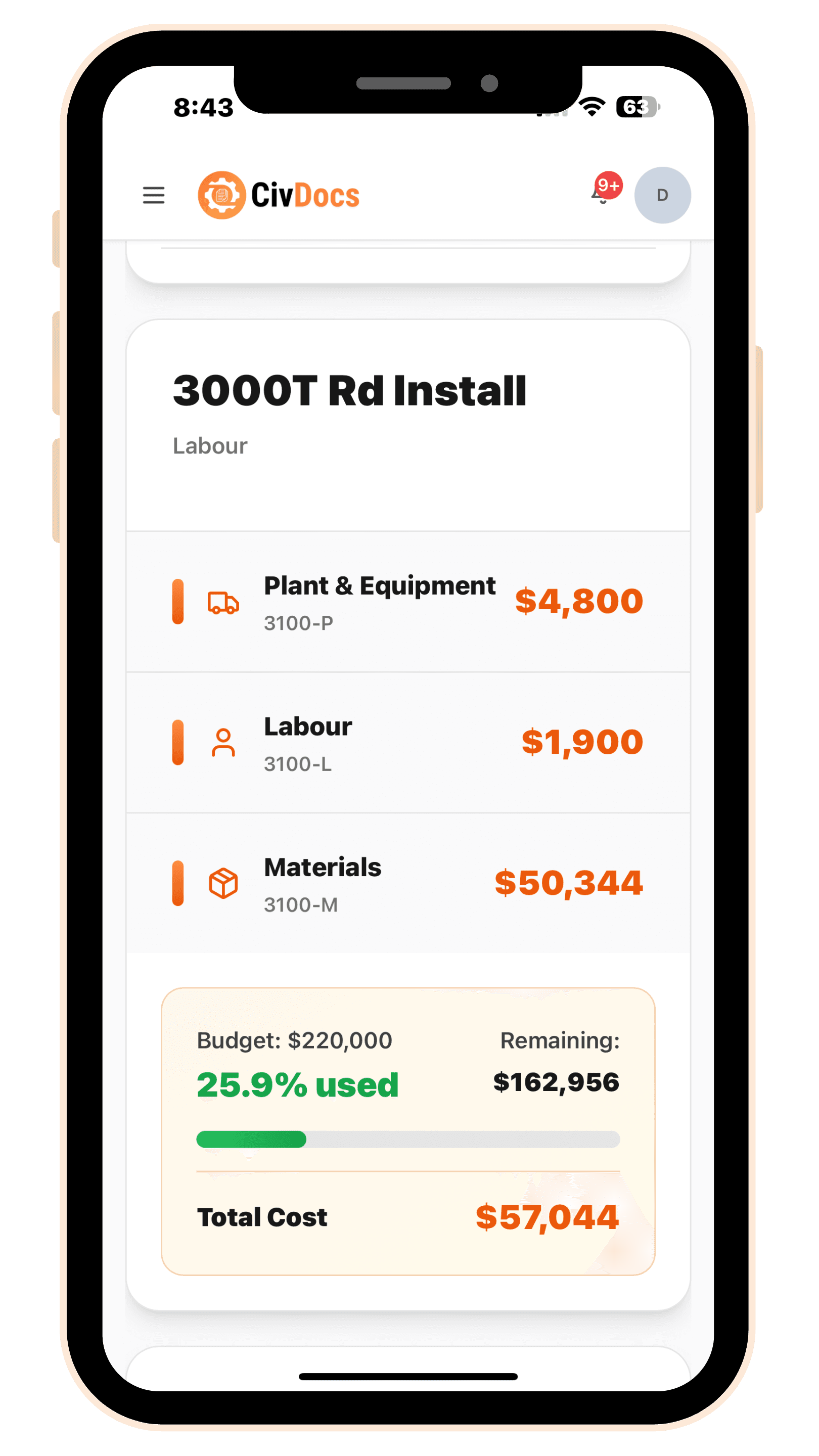
Cost tracking in CivDocs is built around project scopes — measurable work items like 300m of AGI or 2500t of rock install. When you create a scope, you attach the specific cost codes to it and set the budget inside those cost codes. From there, CivDocs automatically posts real costs to the right code based on what your team logs each day.
- Timesheets post to the scope’s Labour cost code
- Pre-starts post machine day rates to the scope’s Plant cost code
- Materials added by supervisors post to the scope’s Material cost code
- Daily progress updates the scope quantity so you can see overall cost per unit
Labour Costing
Labour cost is calculated from timesheets. Each employee has an hourly rate, and when they select a project + scope when filling their timesheet out, CivDocs automatically posts that cost into the scope's Labour cost code.
- Employee hourly rates stored in the system
- Project and scope selection in timesheets
- Automatic roll-ups into project budgets
Plant & Equipment Costs
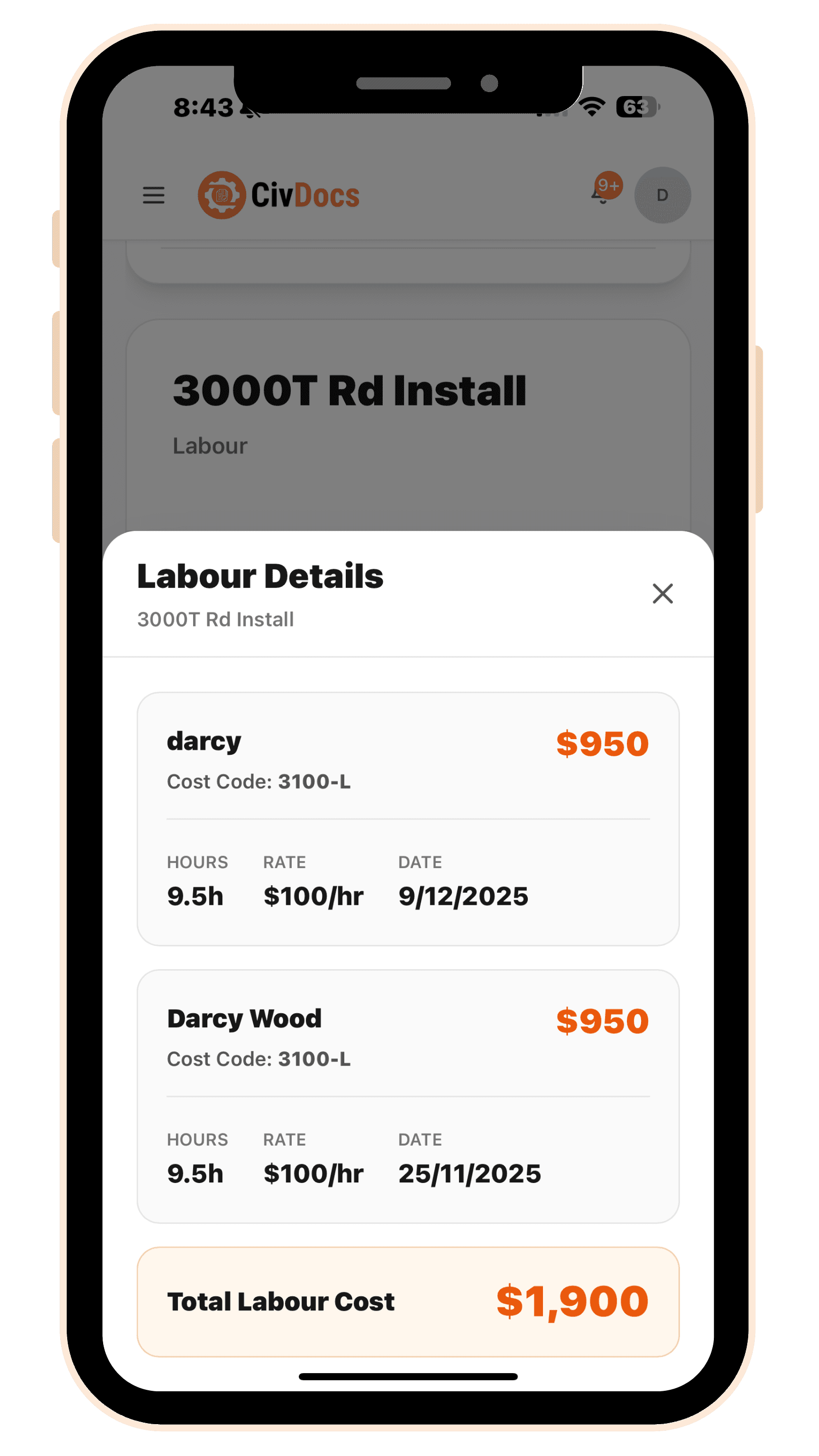
Pre-starts post machinery day rates into project scopes. When an operator completes a pre-start and selects the project + scope, CivDocs posts that day rate into the scope’s Plant cost code. If multiple machines work the same scope, you’ll see multiple pre-starts — and multiple plant cost entries.
- Machine day rates configured per asset
- Operators select project and scope in pre-starts
- Costs automatically allocated to plant cost codes
Materials Costing
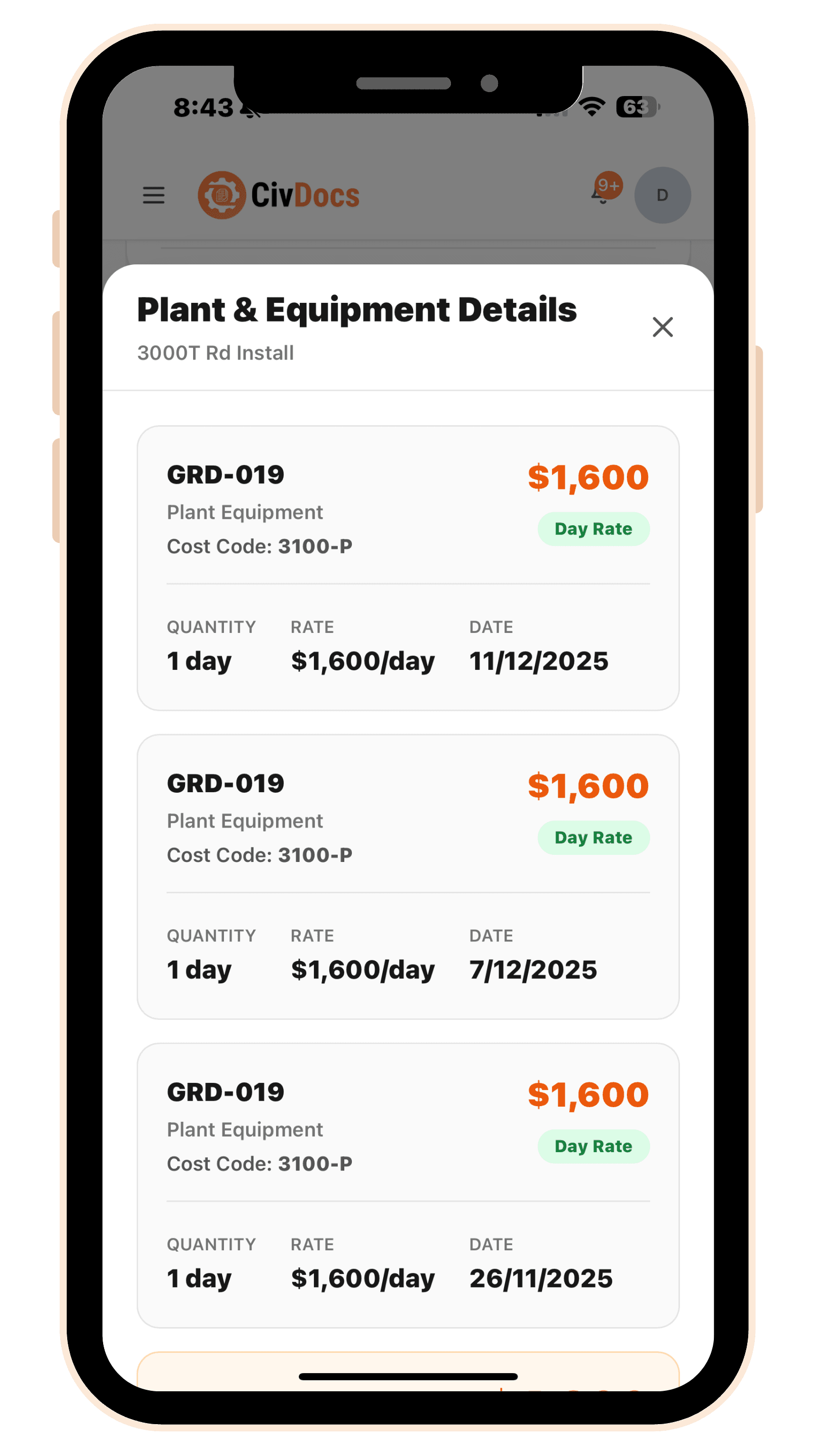
Supervisors add materials used on site through the dashboard. Your materials library stores the unit and rate (and you can create materials on the fly). When materials are added to a scope, CivDocs posts the cost into that scope’s Material cost code and updates actuals instantly.
- Supervisors add materials to project scopes
- Materials library stores rates and unit types
- Costs instantly update project actuals
Project Scopes
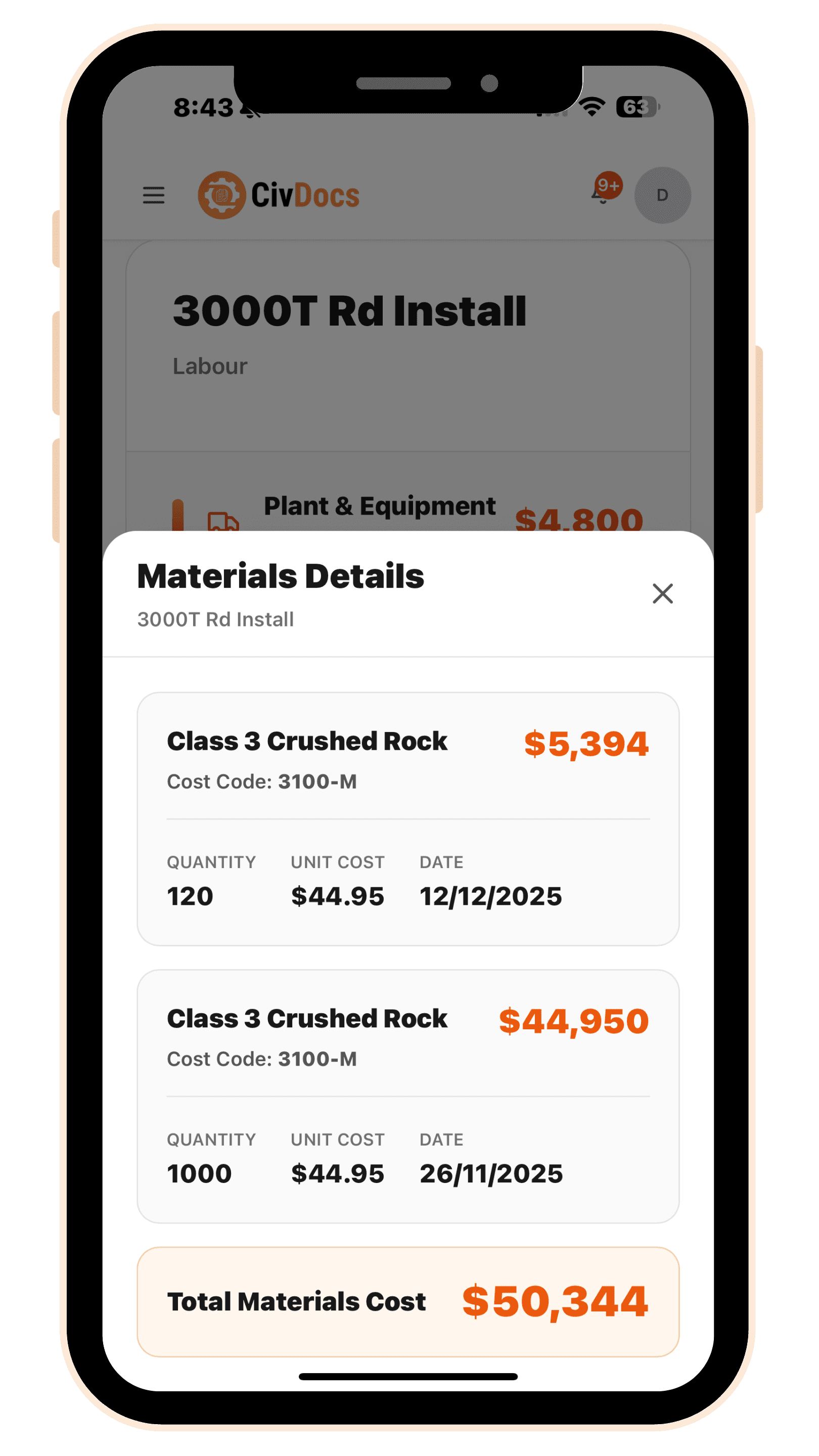
Each scope has a planned quantity (200m, 4000t, etc.) and the specific cost codes you assign to it for Labour, Plant and Materials. You also set your budgets inside those scope cost codes, so budget vs actual is always comparing apples with apples.
- Each scope has a planned quantity
- Cost codes for Labour, Plant, and Materials
- Real-time budget vs actual tracking
.png&w=3840&q=75)
Daily Progress Updates
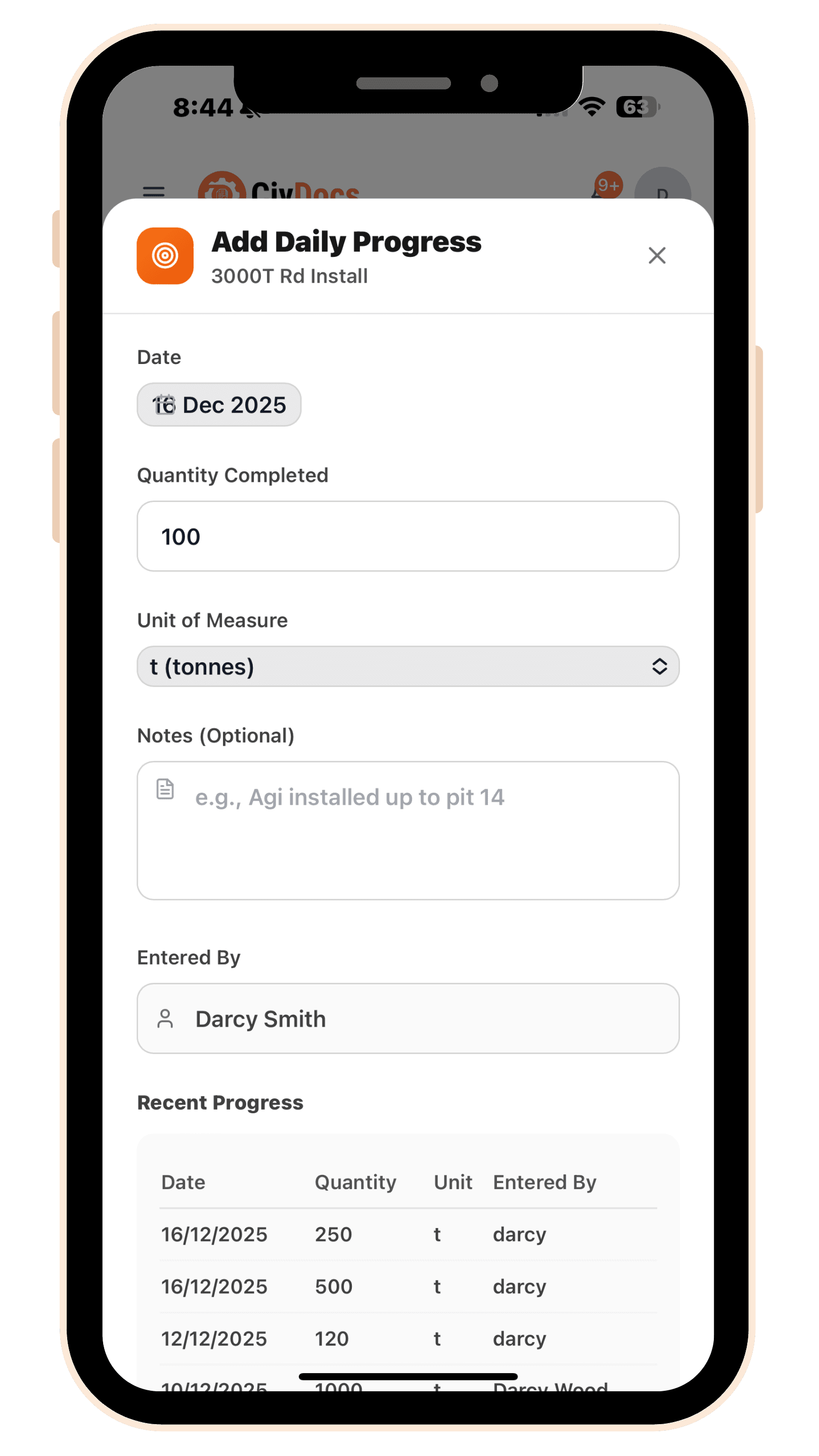
Supervisors enter daily progress updates for each scope. For example: Scope: 4000t planned. Supervisor enters 1500t completed today. CivDocs updates % complete, cost-per-unit, and forecasts remaining work.
- Supervisors enter daily progress quantities
- Automatic percentage complete calculation
- Cost-per-unit and forecast updates
Cost Codes
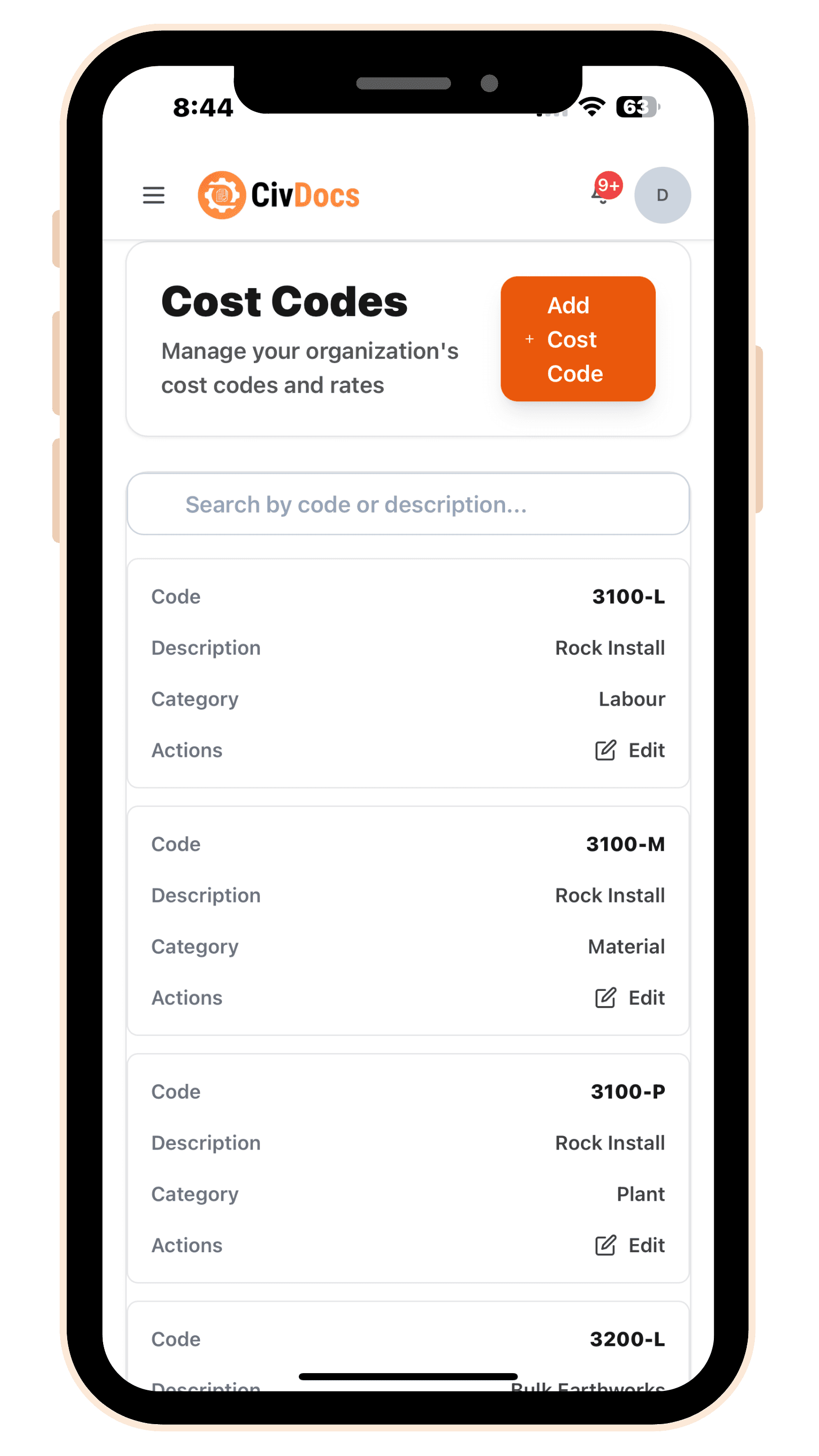
Your organisation has a library of cost codes. CivDocs comes with common defaults (for example: 3100-L is all rock install Labour, 3100-P is all rock install Plant, 3100-M is all rock install Material), and you're encouraged to create your own to match how your business wants to track costs. When you build a scope, you choose which codes that scope will use — then CivDocs posts costs automatically into them.
- Organisation-wide cost code library
- Add, edit, and delete codes as needed
- Scopes use codes to track costs
How All Costs Roll Up
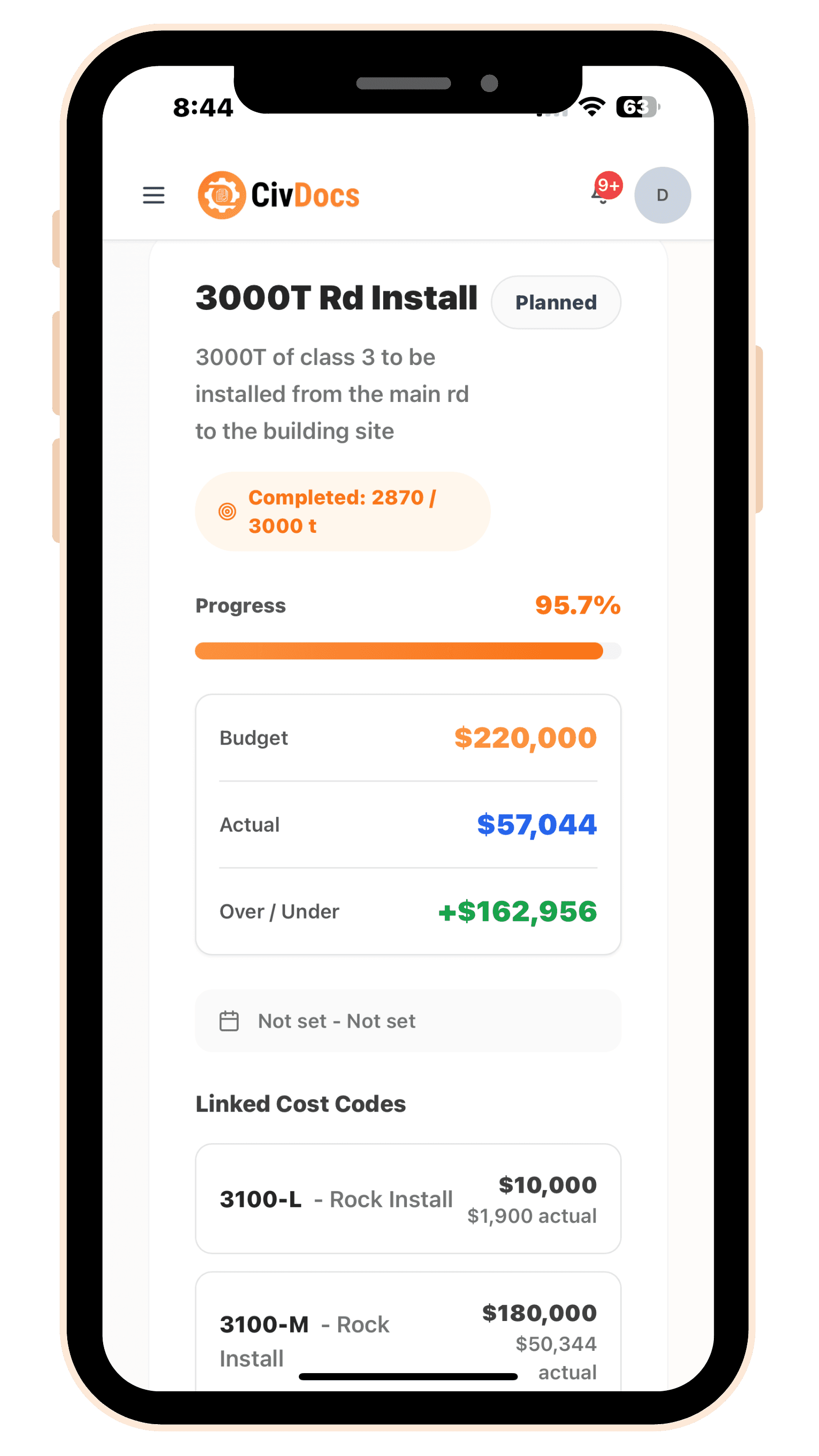
Every transaction lands on a project + scope + cost code. Labour comes from timesheets, plant comes from pre-starts, and materials come from supervisors — and daily progress updates the completed quantity. That gives you a single real-time view of actual cost, budget vs actual, and overall cost per unit at the scope level.
- Labour → from Timesheets
- Plant → from Pre-starts
- Materials → from Supervisors
- Progress → from Daily updates
- All feed into: Actual cost, Over/under, Remaining budget, Performance summary
Materials Library
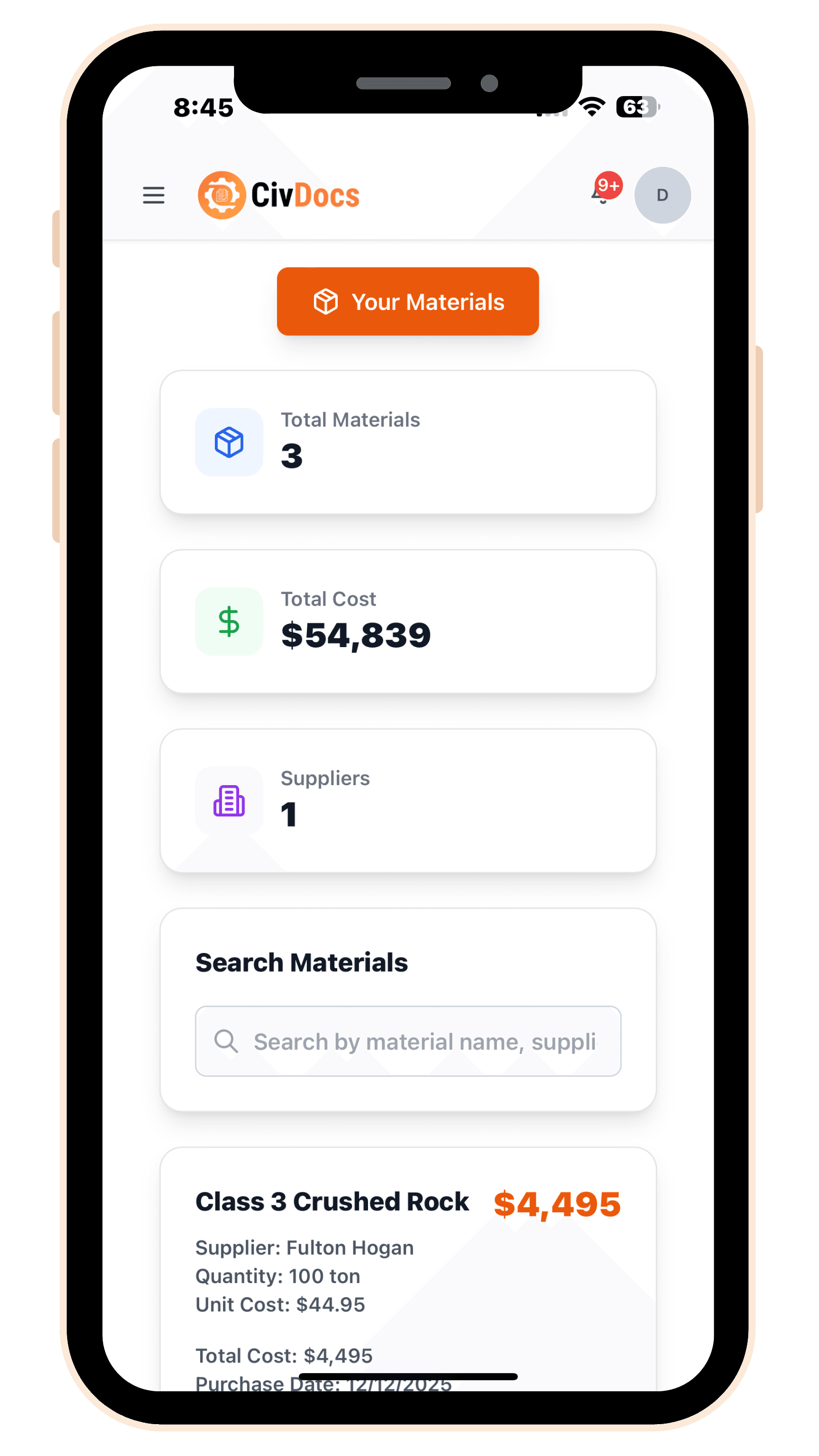
Store material name, unit type, and unit rate in your materials library. Supervisors pull these materials into progress entries, ensuring consistent pricing and accurate cost tracking.
- Store material name, unit type, and unit rate
- Supervisors pull materials into progress entries
- Consistent pricing across all projects
Cost Reports
Generate comprehensive cost reports showing budget vs actual, remaining budget, over/under analysis, and cost breakdown by category. All reports update in real-time as costs are added.
- Budget vs actual comparison
- Remaining budget tracking
- Over/under analysis
- Cost breakdown by category

Supervisor Tools
Supervisors have everything they need in one place: add daily progress, add materials, approve timesheets, and review scope performance — all from their dashboard.
- Add daily progress updates
- Add materials to project scopes
- Approve timesheets and leave requests
- Review scope performance and budgets
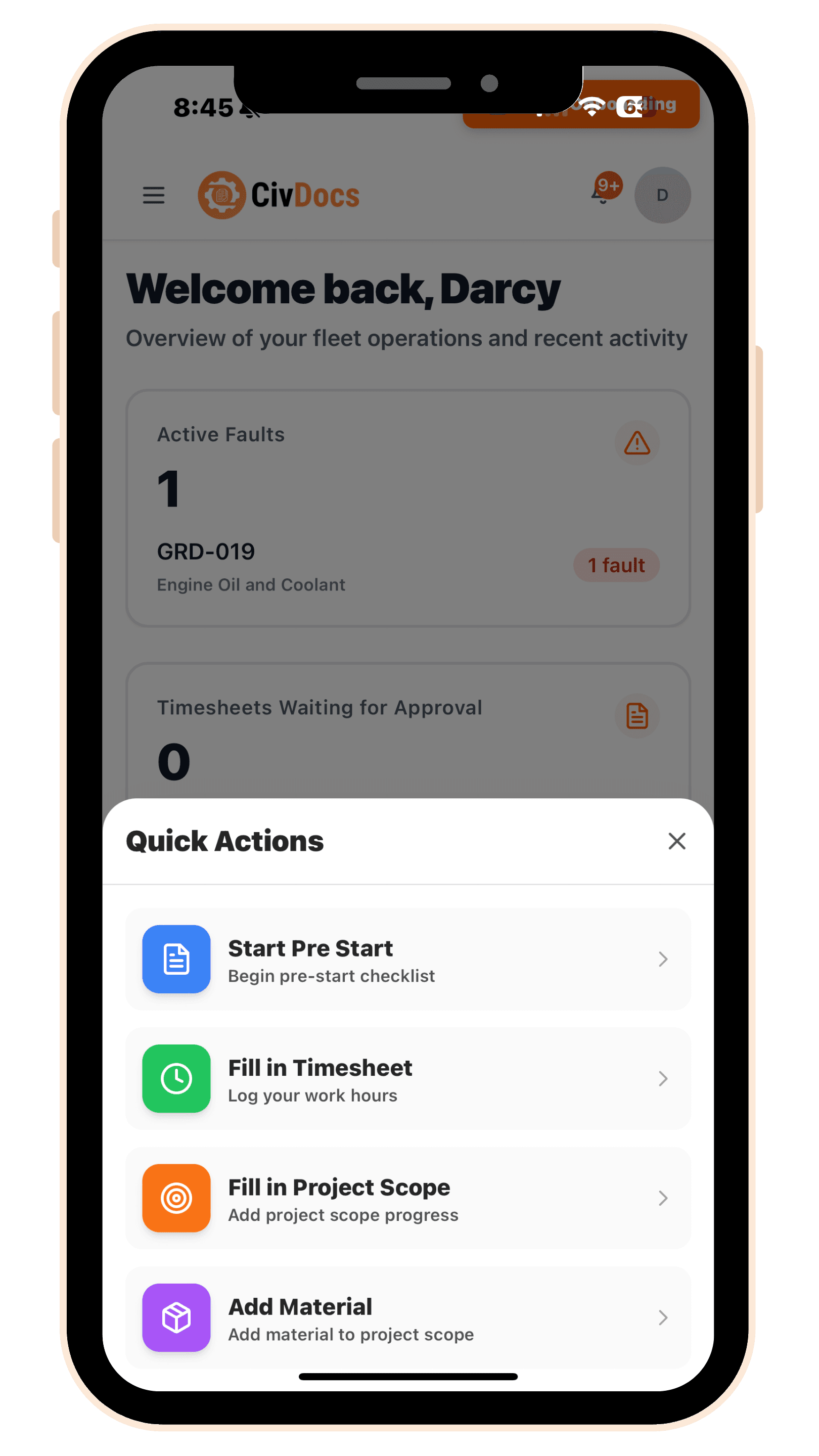
Everything supervisors need
Add daily progress, add materials, approve timesheets, and review scope performance all from one dashboard.
Take control of your project costs — without spreadsheets.
See where every dollar goes with real-time cost tracking that updates automatically from timesheets, pre-starts, and materials.
Get started in minutes